Volume Control Pro1.0
Publisher Description

50% OFF for limited time.
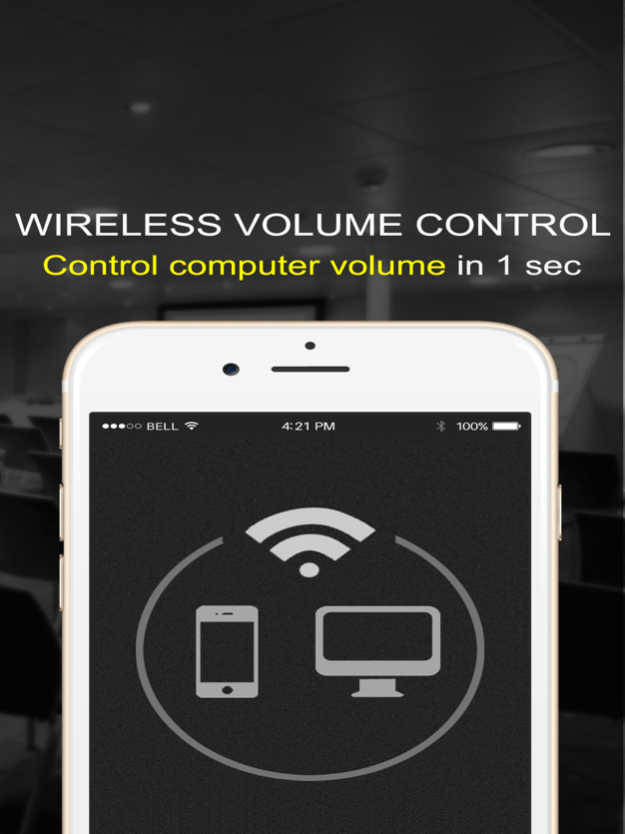
Turn iPhone into a volume remote controller for Computer, and Mute/Continue the music.
Features:
•Connect in 1second:
With Auto Computer Detect Technology, you don't need to input IP address of the Computer anymore.
•28 Audiophile Recommend:
With a number of tests by 28 professional audiophile and continuously update, it becomes more and more close to perfect.
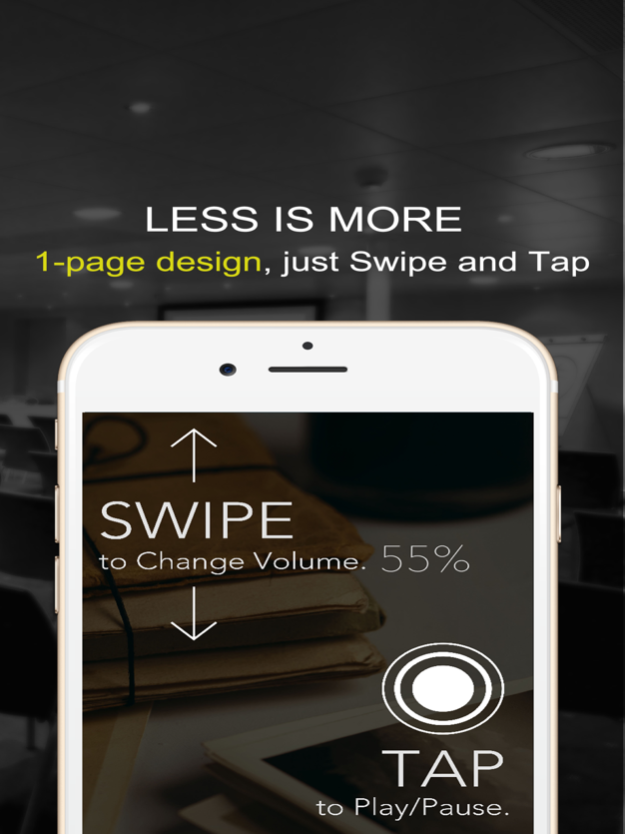
•1-page design,control without looking:
we do our best to remove all no-essential functionalities when others try their best in the wrong way.
•Human Engineering:
Designed by the top DJ in the world, Only the best controller can make the music world better.
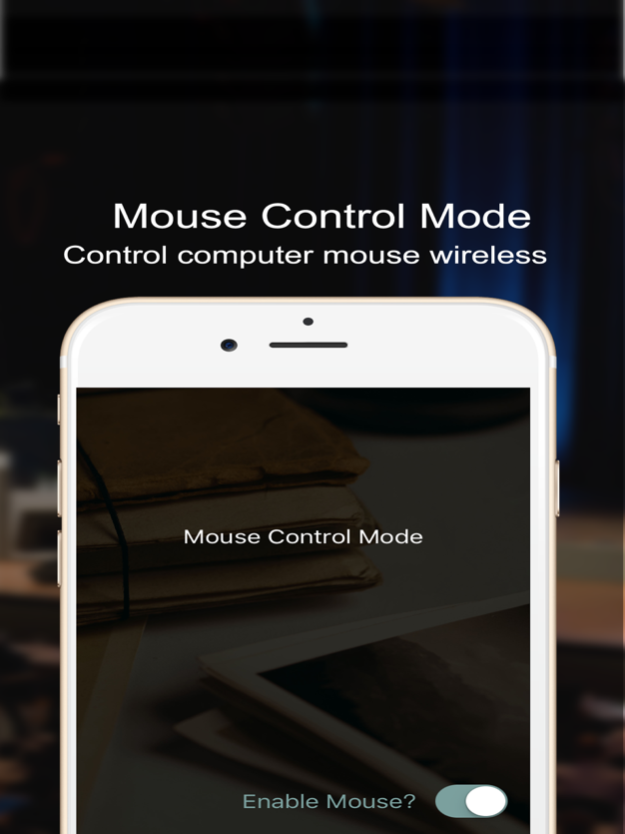
•Mouse Control:
Only Pro version:You can even control the mouse with your iPhone.
Anyway, we have no In-App Purchases & No Advertisement:, an honest soul cherishes user experience more than wealth.
Mar 2, 2016
Version 1.0
This app has been updated by Apple to display the Apple Watch app icon.
About Volume Control Pro
The company that develops Volume Control Pro is Guohua Gao. The latest version released by its developer is 1.0.
To install Volume Control Pro on your iOS device, just click the green Continue To App button above to start the installation process. The app is listed on our website since 2016-03-02 and was downloaded 3 times. We have already checked if the download link is safe, however for your own protection we recommend that you scan the downloaded app with your antivirus. Your antivirus may detect the Volume Control Pro as malware if the download link is broken.
How to install Volume Control Pro on your iOS device:
- Click on the Continue To App button on our website. This will redirect you to the App Store.
- Once the Volume Control Pro is shown in the iTunes listing of your iOS device, you can start its download and installation. Tap on the GET button to the right of the app to start downloading it.
- If you are not logged-in the iOS appstore app, you'll be prompted for your your Apple ID and/or password.
- After Volume Control Pro is downloaded, you'll see an INSTALL button to the right. Tap on it to start the actual installation of the iOS app.
- Once installation is finished you can tap on the OPEN button to start it. Its icon will also be added to your device home screen.
Program Details
System requirements
Download information
Pricing
Version History
version 1.0
posted on 2016-03-02
Mar 2, 2016 Version 1.0
This app has been updated by Apple to display the Apple Watch app icon.
version 1.0
posted on 2016-03-02
Mar 2, 2016 Version 1.0
This app has been updated by Apple to use the latest Apple signing certificate.
version 1.0
posted on 2016-03-02
version 1.0
posted on 2016-03-02
Mar 2, 2016 Version 1.0
This update is signed with Apple’s latest signing certificate. No new features are included.
version 1.0
posted on 2016-03-02
2 Mar 2016 Version 1.0
This update is signed with Apple’s latest signing certificate. No new features are included.
version 1.0
posted on 1970-01-01
2 de mar de 2016 Version 1.0
This update is signed with Apple’s latest signing certificate. No new features are included.
version 1.0
posted on 1970-01-01
2016年3月2日 Version 1.0
This app has been updated by Apple to use the latest Apple signing certificate.
